Guide: Heating Your Home Office – Warm at Your Desk, Energy-Efficient
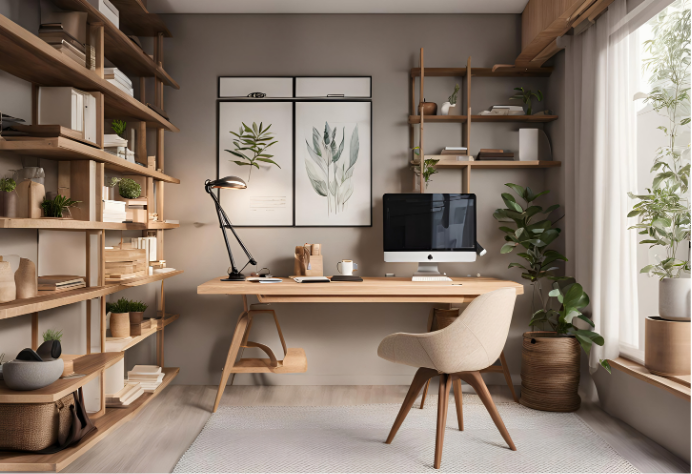
Anyone who works from home knows the problem: The apartment should be warm during the day, even though usually only one person is staying in a single place, at their desk. Nevertheless, the heating runs for the entire room or even the entire apartment. And often your feet still stay cold. This guide shows you how to stay warm while working from home without wasting energy.
Why your feet often get cold when working from home
Warm air rises, while cool air collects on the floor. If you sit still at your desk for many hours, you move very little and cool down, especially in your feet and legs, even if the room temperature is actually fine. The typical reaction: You turn up the heating. This then warms up the air under the ceiling above all else, while it barely gets any warmer on the floor.
1. Choose the right workspace
- If possible, do not place the desk directly against a cold exterior wall or under a drafty window.
- A rug under the desk provides insulation against a cold tile or wooden floor.
- Keep doors to unused rooms closed during the day so that the entire apartment does not have to be brought up to a comfortable temperature.
2. Bring warmth to where you sit
Instead of heating the entire study more, it is more efficient to specifically heat the area under the desk. A zone heater such as the Aura heating rug for working from home lies directly under your feet and warms you where you can feel it. The room temperature can then remain one to two degrees lower without you feeling cold.

3. Heat according to your work rhythm
A workday at home is rarely one continuous session: There are breaks, phone calls while standing, lunch in the kitchen, or out-of-office appointments. That is why it pays to plan your heating times specifically:
- With a timer: Set the time window to your core working hours, for example separately for the morning and afternoon with a break at lunchtime.
- With presence detection: It is even easier if the heater itself detects whether you are sitting at your desk. Aura Pro with integrated room radar or an added presence sensor only switches on the heat as long as you are actually at your desk.
4. Ventilate properly when working from home
When working from home, you consume oxygen and release moisture, and fresh air also helps you stay focused. It is best to ventilate for a few minutes with a wide-open window during breaks. Windows left open on tilt, on the other hand, cool down the room and especially the floor.
5. Little helpers for more comfort
- Warm socks or slippers and an extra layer of clothing make a big difference.
- A warm drink and short exercise breaks get your circulation going.
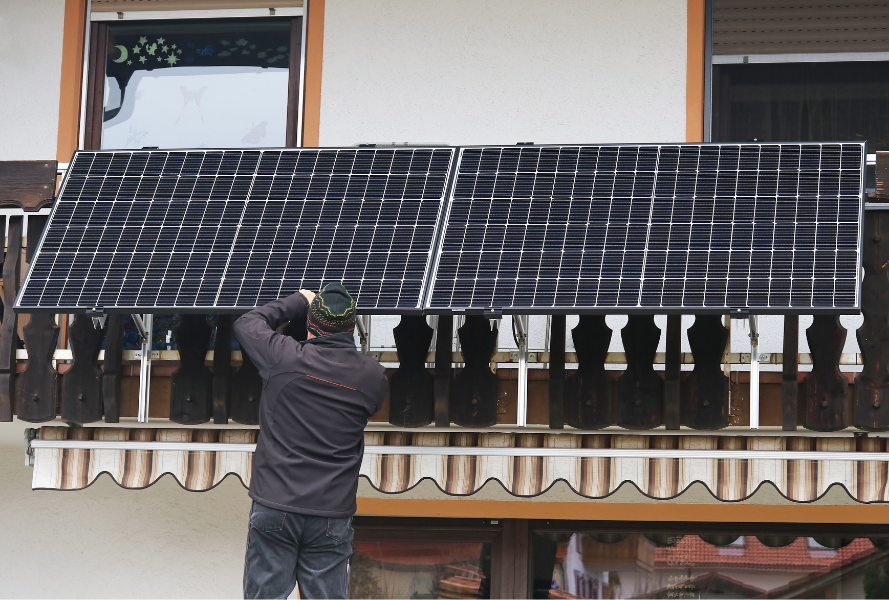
- Anyone who has a balcony power plant can use the solar electricity directly for the zone heater at their desk on sunny days.
Conclusion
When working from home, it is particularly worth it to heat the workspace rather than the entire room. Warm feet, a slightly lower room temperature, and heating that adapts to your presence: This is how you stay focused and comfortable, and keep heating costs under control.